 Save
Save
The most useful hidden car features are usually the practical ones: driver assistance settings, keyless ignition alerts, tire-pressure tools, recall lookups, window and lock controls, mirror settings, wiper service positions, and fuel-use displays. The direct answer is simple: your car may already have features that make everyday driving easier, but the only reliable way to confirm them is to check your vehicle’s manual, settings menus, and official safety resources before assuming a feature exists or using a shortcut.
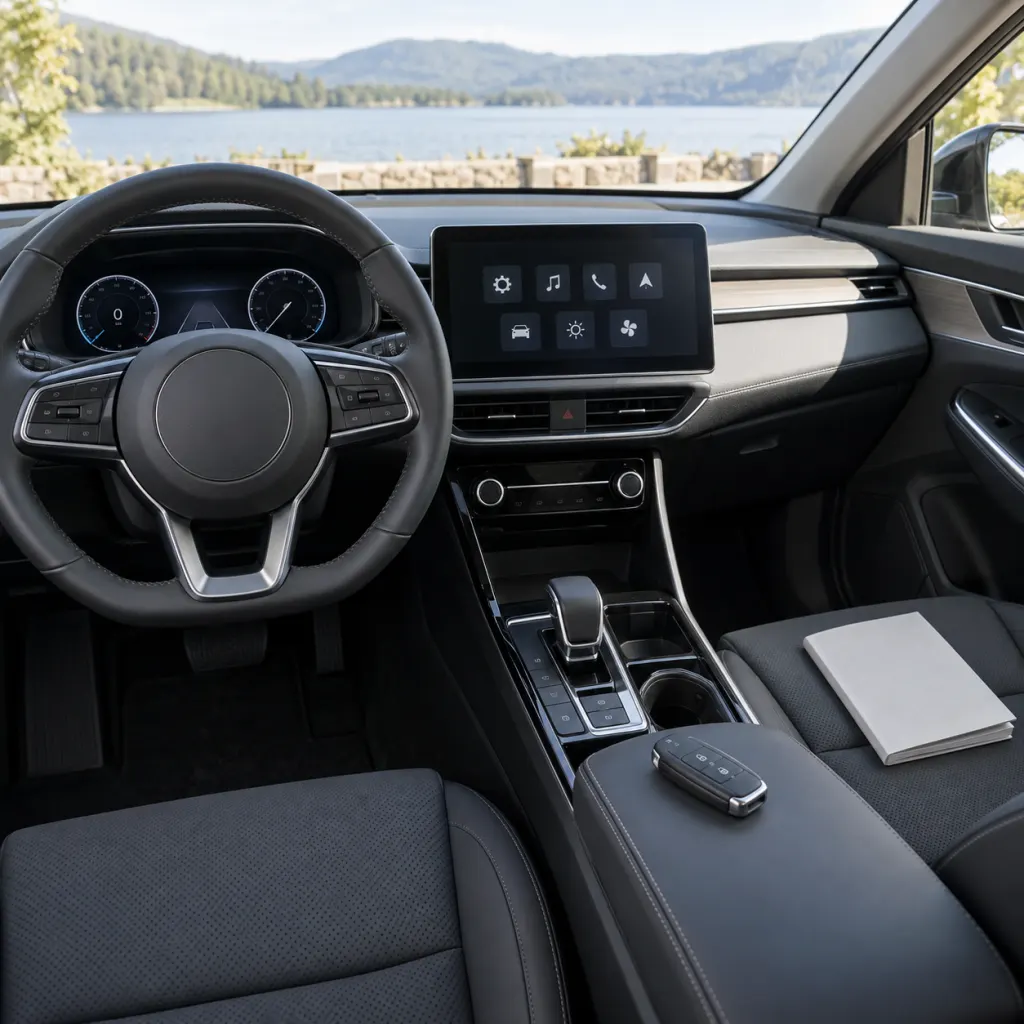
Modern cars are increasingly software-managed, which means a feature may be present but buried behind a steering-wheel button, a long press on a key fob, a vehicle settings page, or a dashboard submenu. This guide focuses on claim-safe, practical features to look for, with extra attention to safety limits and what official sources say about driver responsibility.
Why Useful Features Feel Hidden
Cars are designed for many buyers, driving styles, climates, and trim levels. That creates a strange everyday problem: the same dashboard has to serve someone who only wants radio presets and someone who wants to adjust driver-assistance sensitivity, tire-pressure displays, mirror behavior, and remote-lock feedback. Manufacturers often place less-used functions in secondary menus so the main screen stays simpler. The result is that a feature can be available for years without the owner noticing it.
NHTSA advises drivers to review the owner’s manual for vehicle technology and safety features, especially because different manufacturers may use different names for similar driver-assistance systems https://www.nhtsa.gov/vehicle-safety/driver-assistance-technologies. That point matters for “hidden” features: a button labeled with a steering-wheel icon, lane markings, a car silhouette, or a windshield symbol may not explain itself clearly at a glance. The manual usually gives the exact name, activation conditions, limits, and warning lights for that specific vehicle.
- Check the printed or digital owner’s manual for “vehicle settings,” “convenience,” “driver assistance,” “lighting,” “locks,” “windows,” “wipers,” and “maintenance.”
- Look through the infotainment vehicle-settings menu while parked, not while driving.
- Test key-fob lock and unlock behavior only in a safe parked setting where a window, mirror, or alarm response will not surprise anyone.
- Learn the meaning of dashboard indicators before clearing reminders or assuming a warning is only a nuisance.
- Use official recall tools for safety-related issues instead of relying only on memory or a seller’s description.
Driver Assistance Features Are Helpful, Not Autopilot
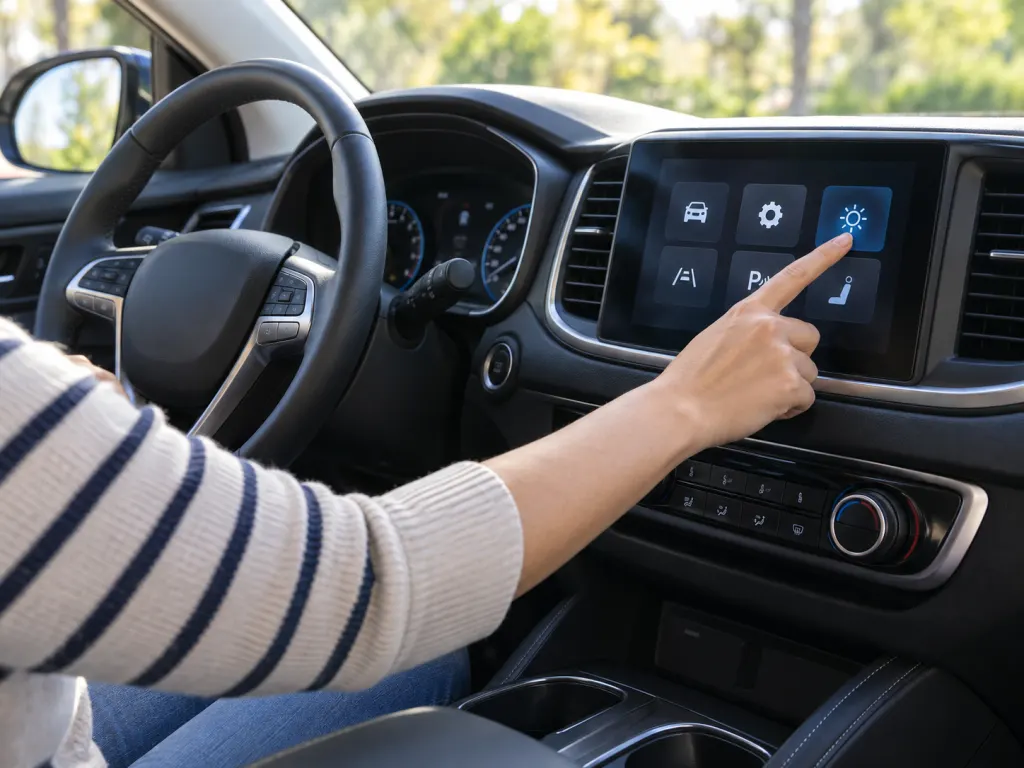
Some of the most important overlooked features are driver assistance technologies. NHTSA groups common systems into collision warning, collision intervention, driving control assistance, and other systems. Examples include forward collision warning, lane departure warning, blind spot warning, automatic emergency braking, rear automatic braking, adaptive cruise control, lane centering assistance, lane keeping assistance, automatic high beams, backup cameras, and automatic crash notification https://www.nhtsa.gov/vehicle-safety/driver-assistance-technologies. A used car buyer may not realize these features are present because the icons are small, the system names differ, or the previous owner turned alerts down.
The key is to learn what the feature does and what it does not do. A forward collision warning system warns the driver; it is not the same as automatic braking. A lane departure warning may alert you if the vehicle drifts, while lane keeping assistance may provide steering correction under certain conditions. Adaptive cruise control can adjust speed to maintain a set gap, but the driver still has to monitor traffic and road conditions. NHTSA describes Level 0, Level 1, and Level 2 driver assistance as systems where the driver remains responsible for steering, braking, accelerating, and monitoring the road https://www.nhtsa.gov/vehicle-safety/automated-vehicle-safety.
Backup Cameras, Rear Alerts, and Automatic High Beams
Backup cameras are now familiar, but their limits are easy to forget. NHTSA notes that a backup camera provides a view behind the vehicle when reversing, yet it should not replace mirrors or turning around to look https://www.nhtsa.gov/vehicle-safety/driver-assistance-technologies. If your vehicle also has rear cross traffic warning or rear automatic braking, look for where those alerts appear: some vehicles show colored bands, arrows, sounds, seat vibration, or dashboard messages. Knowing the alert style before a tight parking situation makes the feature less startling.
Automatic high beams are another feature many drivers leave unused because they do not know which stalk position enables them. NHTSA describes automatic high beams as systems that switch between lower and higher beams based on lighting and traffic conditions https://www.nhtsa.gov/vehicle-safety/driver-assistance-technologies. If your lights seem inconsistent, the answer may be in the settings menu, a windshield sensor area that needs cleaning, or a manual note about when the system is unavailable. Treat it as assistance, not permission to stop managing your lights.
Keyless Ignition Has Details Worth Learning
Keyless ignition feels simple until something unusual happens. NHTSA explains that keyless ignition systems use an electronic device carried by the driver, and that systems differ across models in switch style and alerts https://www.nhtsa.gov/driver-assistance-technologies/keyless-ignition-systems. The hidden feature here is not a party trick; it is knowing your vehicle’s start, stop, accessory, and emergency shutdown behavior before you need it.
Spend a few parked minutes learning what your vehicle does when the fob battery is weak, where the backup fob reader is located, how to put the vehicle fully in Park, and how the parking brake is applied. Some vehicles use a physical parking-brake lever, some use a pedal, and some use an electronic switch. If a driver shares the car with family members, that knowledge should be shared too. A car can be familiar in normal use and still feel confusing during a rushed handoff, valet pickup, rental return, or battery issue.
Locks, Windows, and Anti-Theft Features
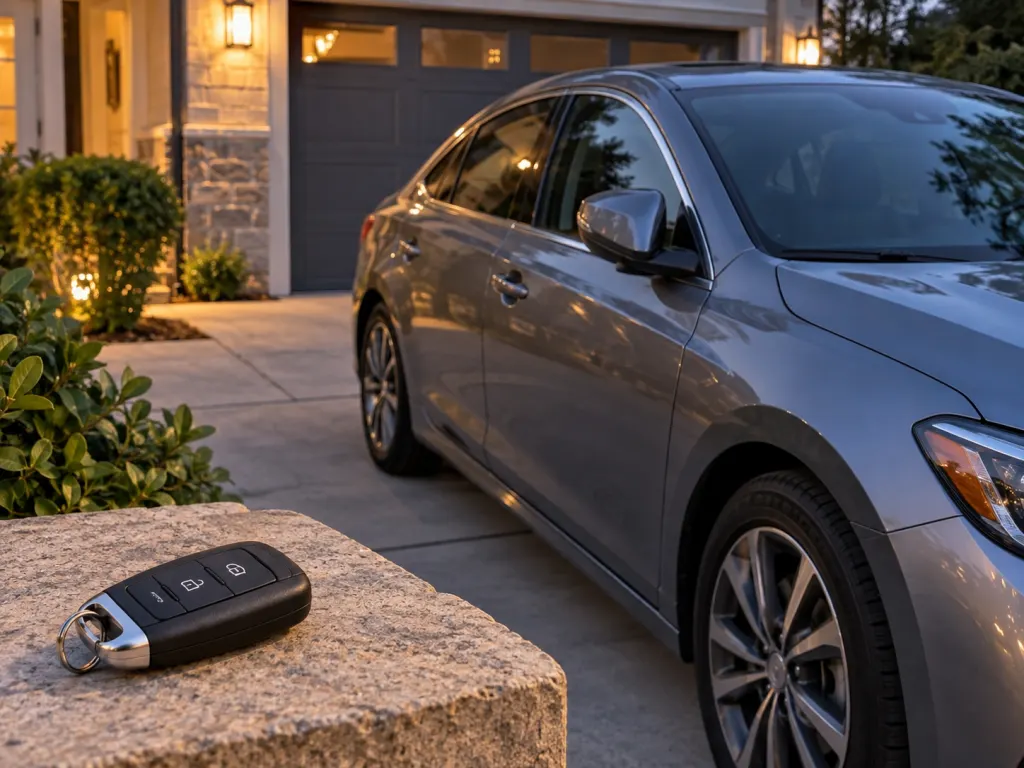
Many convenience settings overlap with theft prevention. NHTSA recommends taking the key, closing and locking windows and doors, parking in well-lit areas when possible, and keeping valuables out of sight https://www.nhtsa.gov/vehicle-safety/vehicle-theft-prevention. On some vehicles, a long press on a remote, door-handle touch, or settings option may change how windows, mirrors, lock confirmation, or approach lights behave. Because these functions vary widely, verify them in your manual before counting on them in rain, cold weather, or a crowded parking lot.
Look for anti-theft and lock settings by exact wording rather than guesswork. Terms may include “walk-away lock,” “passive lock,” “auto relock,” “two-stage unlock,” “mirror fold,” “remote window,” “alarm feedback,” or “immobilizer.” NHTSA describes immobilizing-type devices as systems that help stop thieves from bypassing the ignition system; some use computer chips in keys or disable electricity or fuel flow to the engine https://www.nhtsa.gov/vehicle-safety/vehicle-theft-prevention. If your car has such a feature, learn whether it arms automatically or only after locking with the fob.
Power Window Locks and Rear-Seat Controls
Small buttons on the driver’s door can matter. NHTSA advises activating the power window lock switch if available so children cannot play with window switches https://www.nhtsa.gov/road-safety/child-safety. In many cars, that button only disables rear passenger window switches; in others, it may interact with rear door locks or child-lock settings. The practical takeaway is to test the controls while parked and explain them to anyone who regularly carries passengers.
Rear door child locks are often mechanical switches on the door edge, not dashboard settings. They may use a small lever or a slot turned with a key. Because the door has to be open to see the switch, many owners never notice it until a passenger cannot open a rear door from inside. If you use child locks, confirm that adults sitting in the rear know how they will exit and that the driver understands which doors are affected.
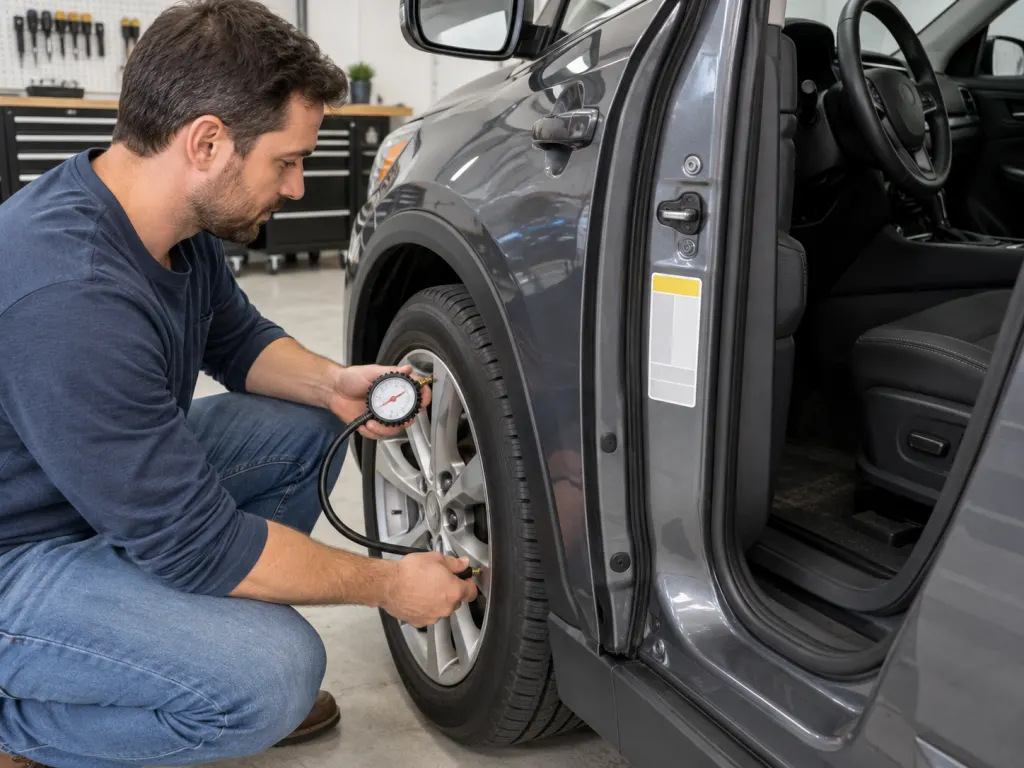
Tire-Pressure Tools Are Easy to Misread
The tire-pressure monitoring system is a safety feature many drivers notice only when the warning light appears. NHTSA explains that TPMS monitors tire pressure through direct sensors in the tires or through indirect systems that use wheel speed and other vehicle sensors, then illuminates a dashboard symbol when pressure is below an acceptable level https://www.nhtsa.gov/vehicle-safety/tires. For passenger cars, light trucks, and vans, model year 2008 or newer vehicles are required to have TPMS.
The hidden part is the correct pressure source. The number molded on the tire sidewall is not the routine target for your vehicle. NHTSA says the proper inflation pressure is listed on the Tire and Loading Information Label on the driver’s side door edge or in the owner’s manual, and it recommends checking all tires, including the spare, at least monthly when tires are cold https://www.nhtsa.gov/vehicle-safety/tires. If your dashboard can show individual tire pressures, use it as a helpful display, but keep a gauge for confirmation.
Maintenance Reminders Are Records, Not Proof
Oil-life monitors and service reminders are convenient, but they can be misunderstood. A reset reminder does not prove a service was performed; it only changes what the vehicle displays. After an oil change, tire rotation, brake inspection, or scheduled service, make sure the paperwork, dashboard reminder, and maintenance log agree. If a reminder returns quickly, do not keep clearing it without understanding why. It may be a normal interval setting, a missed reset step, or a signal that a technician should inspect the vehicle.
Recall checks belong in the same maintenance habit. NHTSA’s recall search lets owners search vehicles, car seats, tires, and equipment, and a VIN search can show whether a specific vehicle needs repair as part of a recall https://www.nhtsa.gov/recalls. NHTSA also states that owners should register vehicles, tires, car seats, and equipment and check recalls twice a year. That is not a flashy hidden feature, but it is one of the most useful official tools connected to your car.
Fuel Displays, Eco Modes, and Climate Choices
Some hidden features are less about safety and more about awareness. EPA says mileage varies based on factors drivers can and cannot control, and it specifically suggests using instantaneous fuel economy information if the vehicle provides it https://www.epa.gov/greenvehicles/your-mileage-may-vary. That display can teach you how speed, hard acceleration, idling, cargo, roof racks, air conditioning, and tire pressure affect fuel use in your own driving.
Eco mode, cruise control, automatic climate settings, and recirculation controls are worth learning in a calm parked session. EPA lists smoother acceleration and braking, avoiding idling, reducing cargo, reducing A/C and accessory use, using cruise control, keeping the vehicle maintained, and keeping tires properly inflated among ways to improve MPG https://www.epa.gov/greenvehicles/your-mileage-may-vary. Your vehicle’s display will not make every trip efficient by itself, but it can turn vague habits into visible feedback.
A 20-Minute Feature Audit for Your Own Car
A useful feature audit does not require tools or mechanical skill. Park safely, set aside twenty minutes, and work through the car slowly. Open the manual or digital manual. Sit in the driver’s seat with the vehicle safely parked. Browse only vehicle settings, not entertainment distractions. Look for headings related to locks, lights, mirrors, wipers, driver assistance, tire pressure, maintenance, and display customization. If a setting affects motion, braking, steering, or visibility, read the manual before changing it.
- Write down three features you already use and one setting you want to understand better.
- Find the tire placard on the driver’s door area and compare it with the dashboard tire display, if your vehicle has one.
- Locate the parking brake, hazard lights, defroster, child-window lock, fuel-door release, hood release, and manual door lock behavior.
- Check whether driver assistance alerts are on, off, or adjusted to a sensitivity level that makes sense for you.
- Look up your VIN on the official NHTSA recall page twice a year and before buying a used car.
When to Leave a Setting Alone
Not every hidden menu deserves experimenting. Avoid unofficial “engineering” menus, coding changes, aftermarket scan-tool changes, or social-media button sequences that are not documented for your vehicle. A setting that looks harmless may affect lighting, locks, driver-assistance alerts, battery behavior, or service data. If the car displays a warning, loses a safety feature, or behaves differently after a setting change, return to the documented setup and ask a qualified technician for help.
Also be cautious with convenience features that operate windows, doors, mirrors, or remote start. Use them where you can see the vehicle and where nearby people, pets, objects, and tight parking spaces are clear. A feature is only convenient when the driver understands its range, limits, and cancellation method. The best hidden car feature is the one you can explain calmly to another driver before handing over the keys.
Wrap-Up
Hidden car features are best understood as overlooked tools, not secret upgrades. Your car may have helpful settings for driver assistance, lights, locks, windows, mirrors, tire pressure, keyless ignition, maintenance reminders, fuel-use feedback, and recall awareness. Start with the manual, confirm every feature on your exact model, keep safety systems in their proper role, and avoid undocumented changes. A short parked review can make the car easier to use without buying anything new.
Frequently Asked Questions
- → Are hidden car features the same on every model?
No. Features vary by manufacturer, model year, trim level, market, software version, and optional packages. The safest assumption is that your car may have a feature only if your owner’s manual, settings menu, window sticker, or official vehicle information confirms it.
- → Can I rely on driver assistance features instead of checking mirrors and blind spots?
No. NHTSA describes these systems as assistance features, and the driver remains responsible for monitoring the road, steering, braking, and accelerating. Backup cameras, blind spot alerts, lane systems, and adaptive cruise control can help, but they do not remove the need for attentive driving.
- → Where should I look first for overlooked car settings?
Start with the owner’s manual index and the vehicle settings menu while parked. Search for locks, windows, lights, wipers, mirrors, driver assistance, display, tire pressure, maintenance, and keyless ignition. Then test only simple convenience settings in a safe parked location.
- → Is the TPMS light enough to tell me my tires are fine?
TPMS is useful, but NHTSA still recommends checking tire pressure monthly, including the spare, when tires are cold. Use the recommended pressure on the driver-side Tire and Loading Information Label or in the owner’s manual, not the number molded on the tire sidewall.
- → Why should recall lookup be part of a hidden-features article?
Because a car’s most important information is not always visible from the dashboard. NHTSA’s VIN recall lookup can show whether a specific vehicle needs a recall repair, and NHTSA recommends checking recalls twice a year. It is a practical ownership tool many drivers underuse.
References
This content was developed and refined using reliable sources.
- https://www.nhtsa.gov/vehicle-safety/driver-assistance-technologies
- https://www.nhtsa.gov/vehicle-safety/automated-vehicle-safety
- https://www.nhtsa.gov/driver-assistance-technologies/keyless-ignition-systems
- https://www.nhtsa.gov/vehicle-safety/vehicle-theft-prevention
- https://www.nhtsa.gov/road-safety/child-safety
- https://www.nhtsa.gov/vehicle-safety/tires
- https://www.nhtsa.gov/recalls
- https://www.epa.gov/greenvehicles/your-mileage-may-vary