 Save
Save
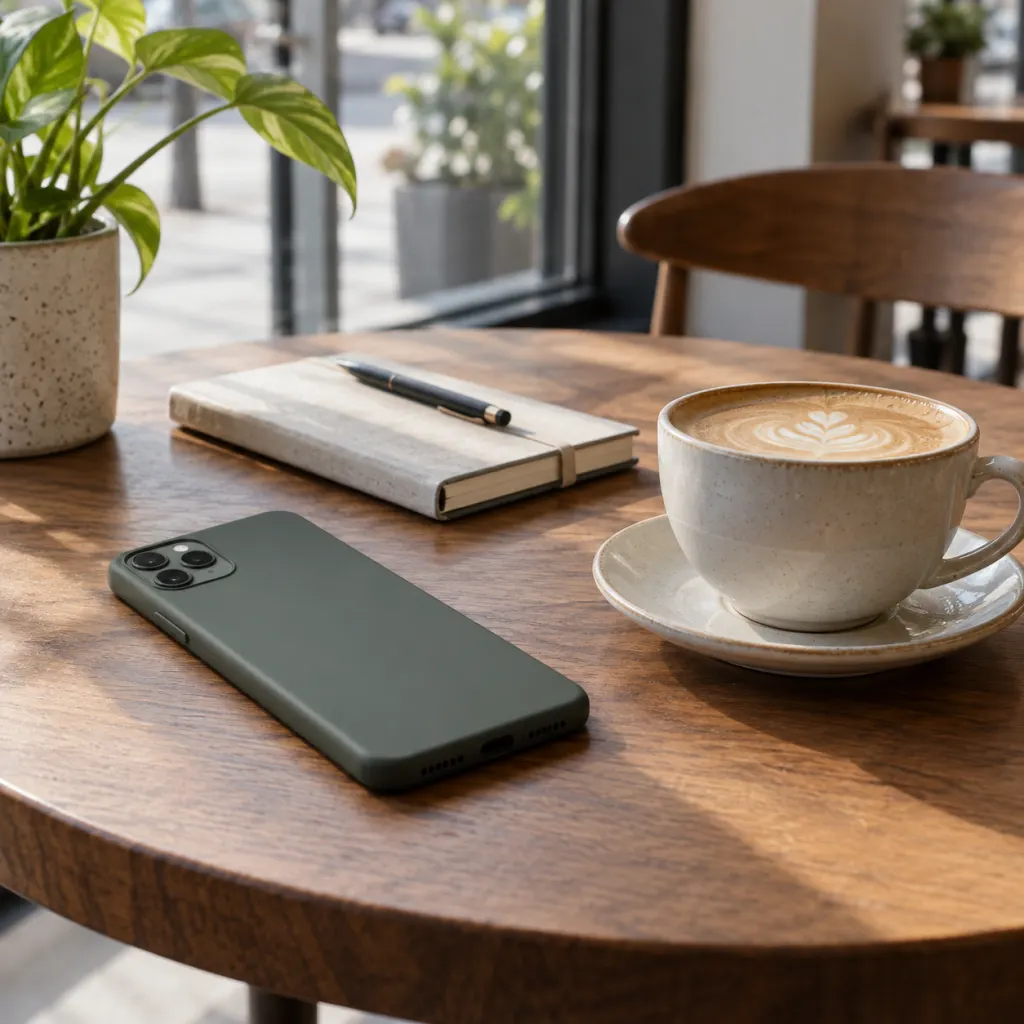
The short answer: if your phone is on a table around other people, screen down is usually the better default. It helps keep message previews out of sight, makes the device less visually tempting, and sends a calmer social signal. Screen up still has a place when you are waiting for a call, watching a timer, using navigation, or staying available for a narrow reason. The bigger point is not the glass position alone; it is whether the phone is locked, notifications are controlled, and the device is placed in a way that fits the moment.
The Real Choice Is Visibility, Not Manners Alone
People often frame this as a tiny etiquette puzzle: screen up looks transparent, screen down looks secretive, and both can be overread. A better way to decide is to ask what the visible screen is doing in that setting. A lit-up lock screen can expose snippets of personal messages, calendar details, delivery codes, names, and app alerts. It can also pull your attention away from a conversation even when you do not pick it up. That means the position of the phone is partly about privacy, partly about attention, and partly about the signal you give to the room.
For everyday meals, meetings, visits, and work blocks, screen down is a useful default because it reduces accidental sharing. The Federal Trade Commission notes that a phone can hold passwords, account numbers, email, texts, photos, and videos, and recommends locking the device when not in use https://consumer.ftc.gov/articles/how-protect-your-phone-hackers. A phone lying face up is not automatically unsafe, but it gives the outside world more chances to see what the device chooses to display.
Why Screen Down Helps With Privacy
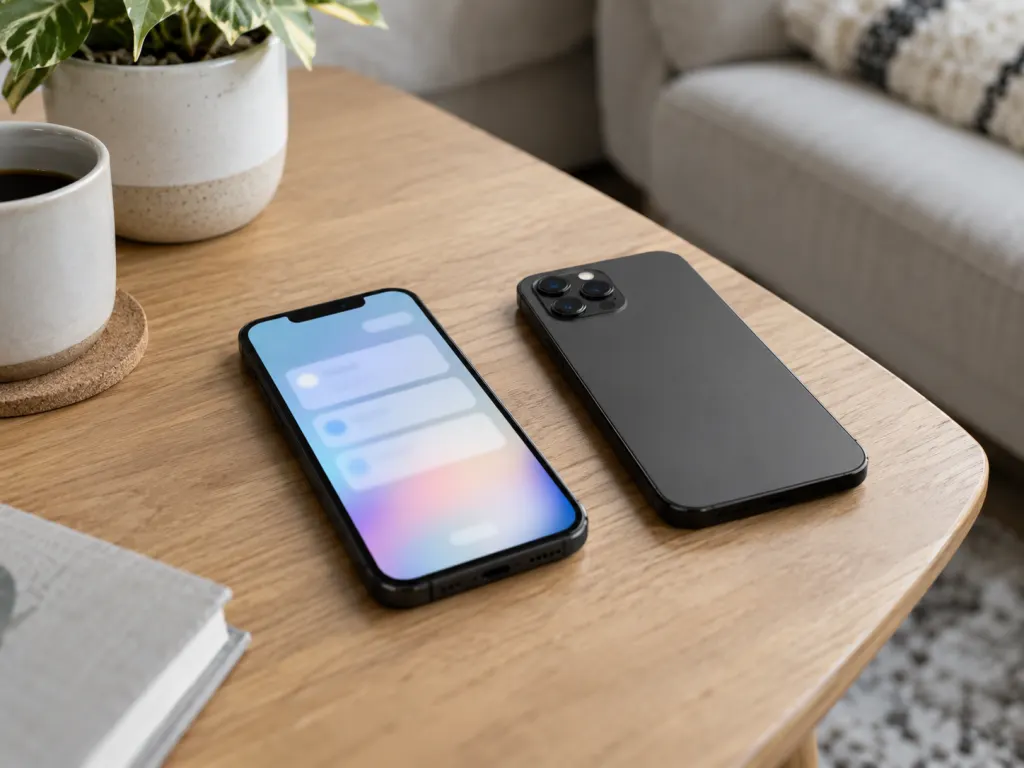
Screen down is useful because many privacy leaks are ordinary and brief. A preview arrives. A name appears. A calendar alert reveals where you are going next. A one-time code flashes while someone is sitting close enough to glance over. None of this requires dramatic spying. It only requires a visible lock screen at the wrong moment.
The National Institute of Standards and Technology describes lock-screen notification exposure as a mobile threat: sensitive information in notifications can be displayed while a device is locked, and someone nearby may gain access to that information https://pages.nist.gov/mobile-threat-catalogue/authentication-threats/AUT-1.html. That does not mean every notification is dangerous. It does mean the screen-up position should be paired with settings that hide previews, especially for messages, email, banking, work chat, authentication apps, and calendar entries.
A practical privacy setup looks like this:
- Use a strong screen lock and keep auto-lock short.
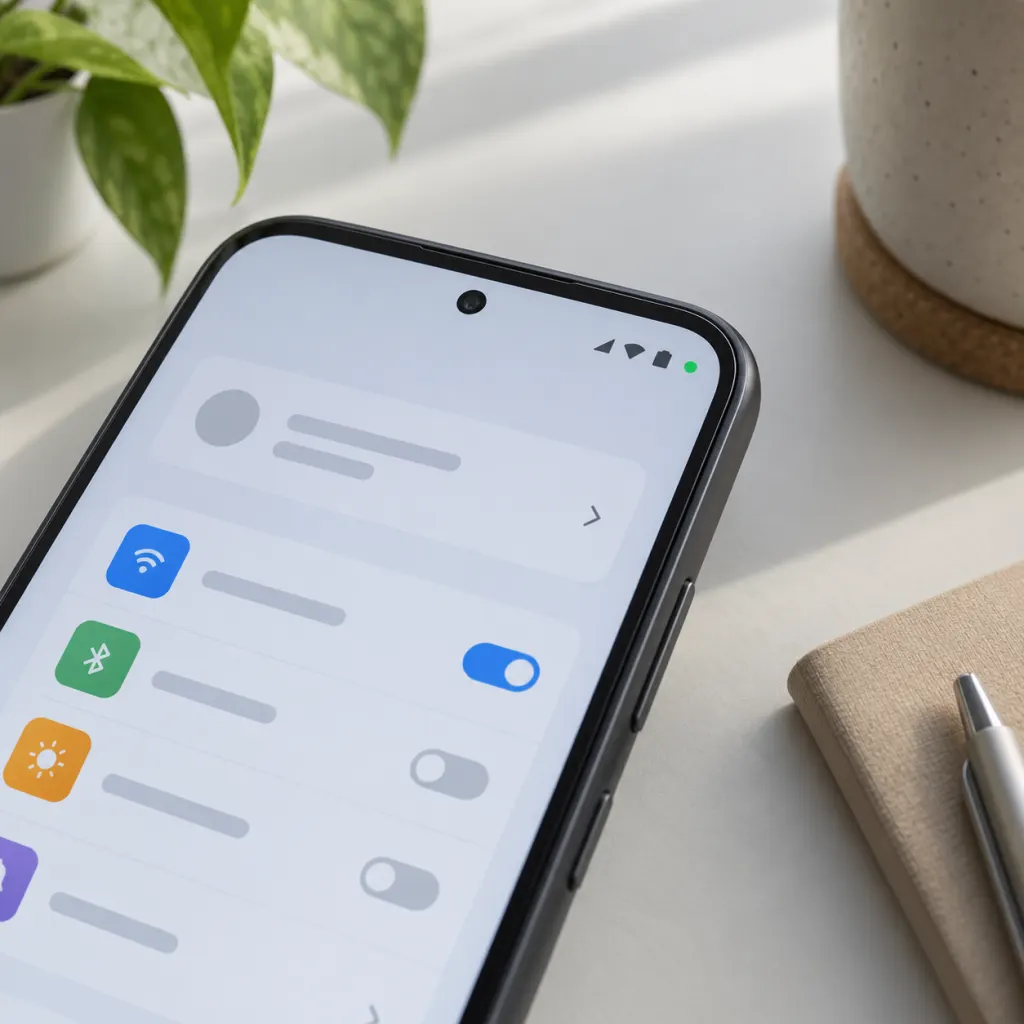
- Hide sensitive notification previews until the phone is unlocked.
- Turn off lock-screen access for apps that show private details.
- Place the phone screen down in shared spaces when you do not need to monitor it.
- Keep the device with you instead of leaving it unattended on a table.
Screen Up Can Be Reasonable In Specific Moments
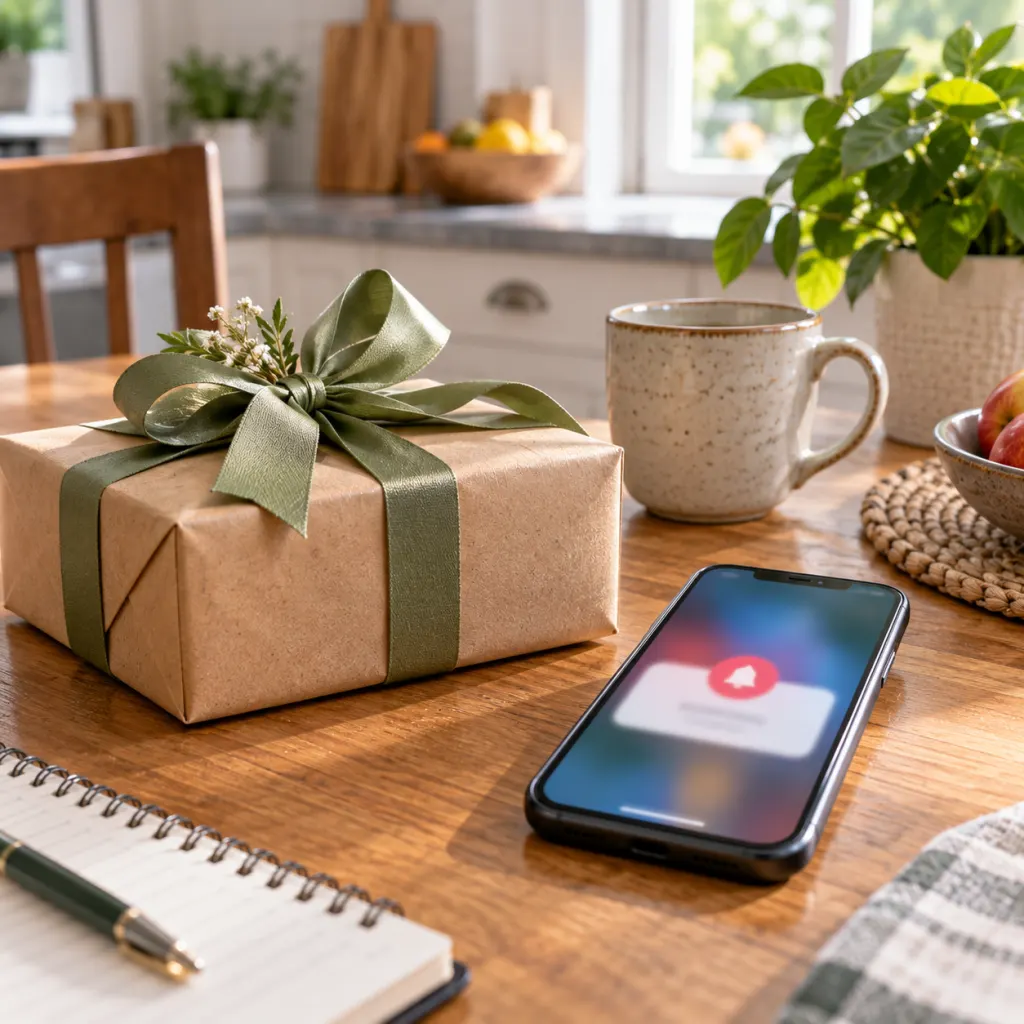
Screen up is not wrong by itself. It can be the practical choice when the screen is serving a clear purpose: you are expecting a ride, waiting for an urgent household update, tracking a kitchen timer, keeping an eye on a boarding alert, or using the phone as a shared reference during a discussion. In those cases, the polite version is simple: say why it is visible, keep it silent if possible, and avoid drifting into unrelated checking.
Screen up also works better when the lock screen is quiet. A blank or preview-free lock screen is very different from one that broadcasts private snippets. The Australian Cyber Security Centre advises keeping phones locked, using auto-lock after a short period of inactivity, treating the phone like a wallet, and updating software regularly https://www.cyber.gov.au/protect-yourself/securing-your-devices/how-secure-your-devices/secure-your-mobile-phone. Those habits matter more than whether the glass is facing the ceiling at one particular dinner.

The Attention Cost Of A Visible Phone
Privacy is only half the issue. A visible phone can become a small attention magnet. Even when you are trying to ignore it, the device represents possible messages, updates, tasks, and decisions. Research published in the Journal of the Association for Consumer Research found that the mere presence of a person’s own smartphone reduced available cognitive capacity in two experiments, with better performance when the phone was in another room compared with on the desk https://www.journals.uchicago.edu/doi/abs/10.1086/691462?journalCode=jacr. The study does not prove that every table setting will affect every person the same way, but it supports a common experience: visible phones can quietly compete with the task or person in front of you.
This is where screen down helps, even if it is not a perfect solution. A face-down phone removes the bright rectangle from view and makes casual checking slightly less automatic. Better still, move it to a pocket, bag, counter, drawer, or charging spot when you are trying to focus. If you are working, studying, cooking, or having a conversation that matters, distance often beats orientation.
What Screen Position Communicates To Other People
Phone position carries social meaning, but that meaning depends on context. At dinner, a face-up phone can say, “I am partly elsewhere,” especially if it lights up repeatedly. In a workplace meeting, it can suggest you are ready to multitask. On a first date or a serious family conversation, it may feel like a competing presence. Screen down, silent, and still usually reads as more present.
There is one caveat: some people interpret screen down as hiding something. The cleanest answer is not to perform openness by leaving private alerts visible. It is to set a shared expectation. A brief sentence can remove the awkwardness: “I’m waiting for one call, then I’ll put it away,” or “I’m turning this over so it doesn’t keep lighting up.” That small explanation is often more reassuring than the screen position itself.
When You Should Keep The Phone Off The Table Entirely
There are situations where neither screen up nor screen down is ideal. If you are handling confidential work, sharing a meal in a crowded place, sitting near strangers, or spending time with someone who has asked for your full attention, off the table is best. The FTC recommends locking phones and keeping software updated because phones contain highly personal information https://consumer.ftc.gov/articles/how-protect-your-phone-hackers. NIST also warns that unattended and unlocked devices create a privacy and security risk because someone nearby may gain access or gather data https://pages.nist.gov/mobile-threat-catalogue/physical-threats/PHY-4.html.
Off-table placement also helps with boundaries. A phone in a bag or another room creates a small pause before you check it. That pause is useful. It turns a reflex into a decision. If the device truly needs to be available, keep alerts narrow: allow calls from a specific contact, use a focus mode, or leave only the needed app visible. The goal is not to act unreachable; it is to make the phone match the reason you kept it nearby.
A Simple Rule For Common Settings
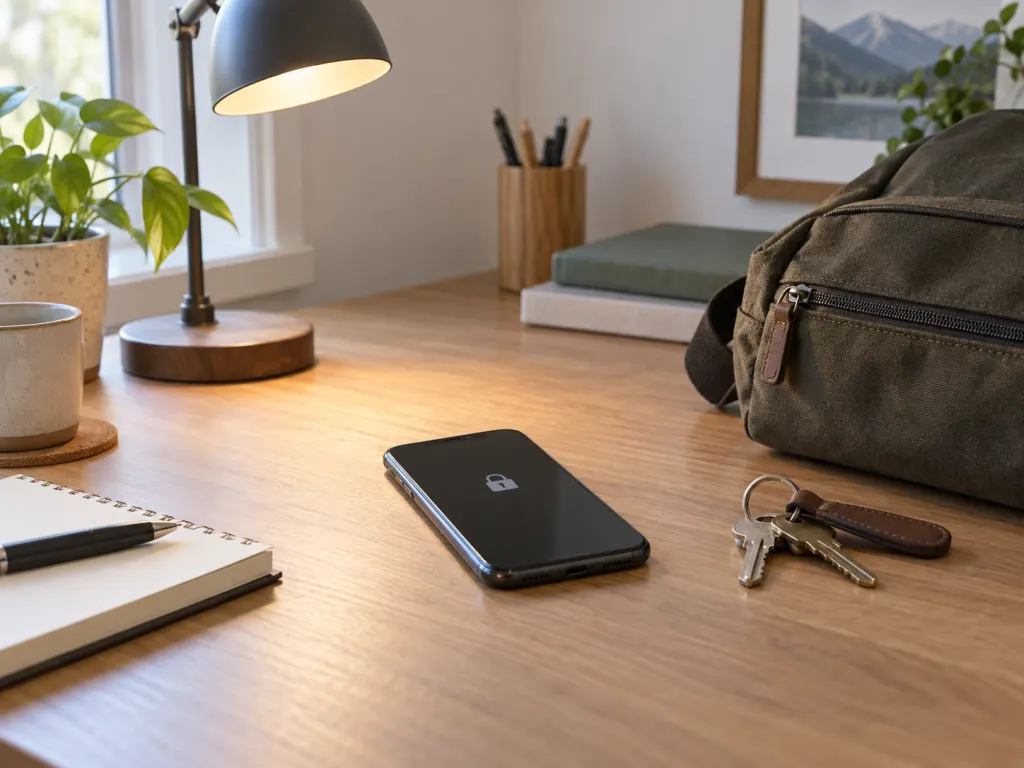
At home alone, choose whatever is practical. Screen up may be easiest if you are following a recipe timer, waiting for a delivery, or keeping the phone on a charger. Around family or roommates, screen down can prevent private alerts from becoming public by accident. With guests, screen down or away is usually warmer unless the phone has a shared role, such as showing a photo, playlist, or map.
At restaurants and social gatherings, screen down is the better table position, and away is better still. In meetings, use screen down unless the phone is needed for the meeting itself. In classrooms, workshops, and focused work sessions, distance helps more than etiquette. The smartphone-presence study is a useful reminder that even an unused phone can take up space in a person’s attention; putting it out of sight is a stronger move than simply turning it over.
Do Not Rely On Screen Down As A Security Strategy
Screen down is a privacy cue, not a complete security plan. It will not protect a phone that is unlocked, left behind, or easy to access. The practical foundation is a locked device, a short auto-lock interval, current software, and notification settings that do not reveal sensitive content. Cyber.gov.au also advises treating a phone like a wallet and keeping it safe or with you at all times https://www.cyber.gov.au/protect-yourself/securing-your-devices/how-secure-your-devices/secure-your-mobile-phone.
Think of screen position as the last inch of a broader habit. If the phone is locked and preview-free, screen up is less revealing. If the phone is unlocked or buzzing with detailed alerts, screen down only hides the problem while it is face down. Strong settings make any position safer; thoughtful placement makes the moment more respectful.
The Bottom Line
So, should your phone face up or down? Most of the time, place it screen down, locked, and silent. That choice limits accidental notification exposure and reduces the visual pull of the device. When you need the screen visible, make the reason specific and keep previews private. When the conversation, work, or setting deserves more attention, put the phone away entirely. The best answer is not a universal rule about glass direction; it is a small habit of matching your phone’s visibility to the people, information, and task in front of you.
Wrap-Up
Screen down is the best everyday default in shared spaces because it protects private previews and reduces distraction. Screen up is fine when the phone has a specific job, such as a timer, ride alert, or expected call. For private conversations, focused work, or public spaces, keeping the phone locked and out of sight is stronger than either table position.
Frequently Asked Questions
- → Is it rude to put my phone screen down?
No. In many settings, screen down reads as considerate because it keeps alerts from lighting up the table. If someone might misunderstand, a quick explanation helps: you are turning it over so it does not interrupt the moment.
- → Is screen up safer because I can see alerts immediately?
Only when you are waiting for something specific. For ordinary use, screen up can reveal notification previews to nearby people. If you keep it screen up, use a lock screen that hides sensitive details until the phone is unlocked.
- → What is the best choice during dinner?
Screen down is better than screen up, but away from the table is best when possible. If you are expecting one important call or message, say so, keep the phone silent, and return it to your pocket or bag afterward.
- → Should I put my phone face down at work?
For meetings and focused work, yes, unless the phone is part of the task. Face down lowers visual interruptions, while putting it in a bag, drawer, or another room can reduce the urge to check it even more.
- → Does screen down protect my information completely?
No. It only hides the display while the phone is turned over. A safer setup includes a strong screen lock, short auto-lock timing, current software, and notification settings that hide private previews.
References
This content was developed and refined using reliable sources.
- https://consumer.ftc.gov/articles/how-protect-your-phone-hackers
- https://pages.nist.gov/mobile-threat-catalogue/authentication-threats/AUT-1.html
- https://www.cyber.gov.au/protect-yourself/securing-your-devices/how-secure-your-devices/secure-your-mobile-phone
- https://www.journals.uchicago.edu/doi/abs/10.1086/691462?journalCode=jacr
- https://pages.nist.gov/mobile-threat-catalogue/physical-threats/PHY-4.html