 Save
Save
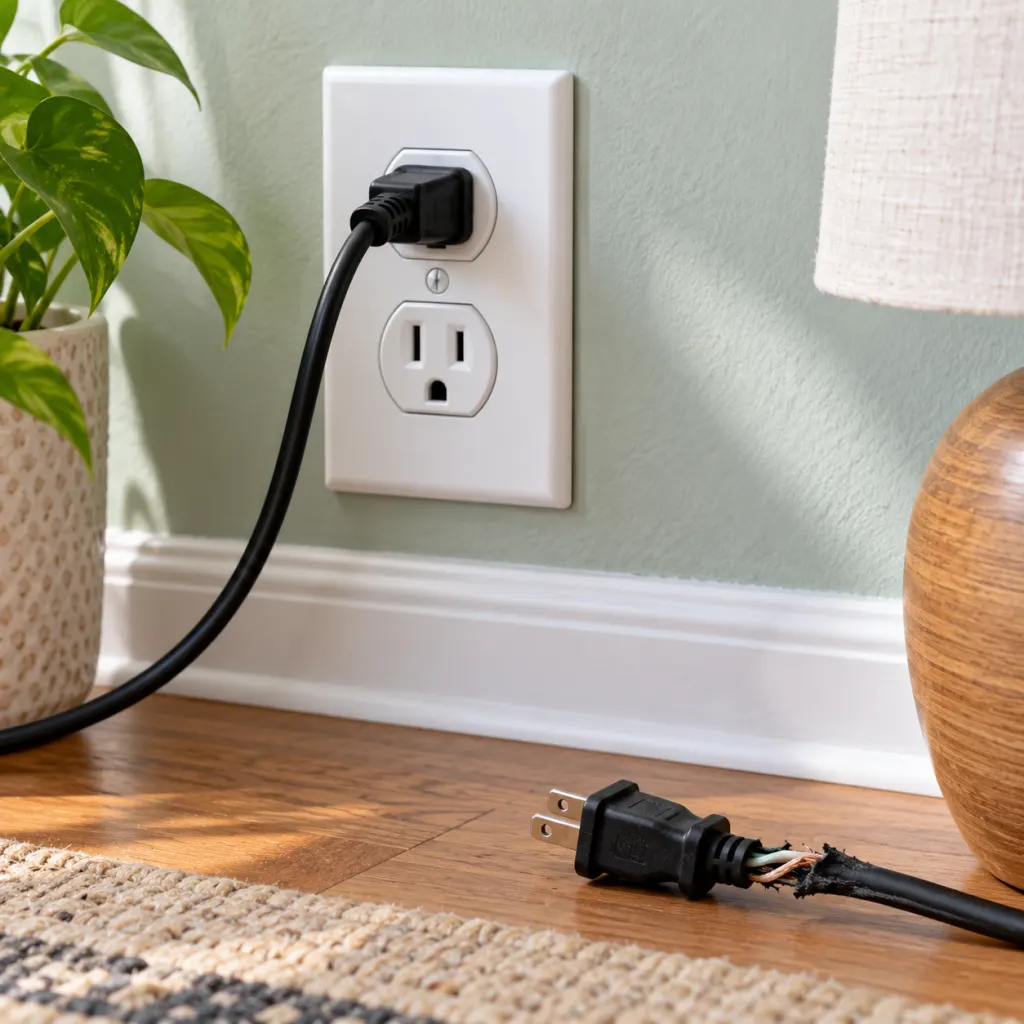
The best reason not to leave a charger plugged in is simple: an unused charger still belongs to your home electrical system. Modern, well-made chargers often use very little power when idle, but they can still draw standby electricity, stay energized for days or months, and hide wear or damage if they become part of the background. Unplugging a charger when you are done is a small habit that reduces waste, lowers avoidable electrical stress, and keeps outlets less cluttered. It is not about panic. It is about treating chargers like the small electrical appliances they are.
Reason 1: It can waste standby electricity
A charger that is plugged in without a phone, tablet, or laptop attached may still use a small amount of electricity. The U.S. Department of Energy notes that turned-off appliances can continue to consume standby power and specifically lists unplugging cell phone and laptop chargers when not in use as one way to reduce it (energy.gov). Lawrence Berkeley National Laboratory explains the same idea more broadly: devices with external power supplies can draw power continuously, sometimes with no obvious sign that they are doing so (standby.lbl.gov).
For one modern phone charger, the wasted electricity may be tiny. That is why this reason should be kept in proportion. The issue becomes more meaningful when a household has several idle adapters in bedrooms, kitchen outlets, office strips, travel bags, and guest rooms. Lawrence Berkeley National Laboratory reports that most products draw relatively little standby power, often less than 0.5 watts, but many constantly powered products together can account for 5 to 10 percent of residential electricity use (standby.lbl.gov). One charger is a small drip; a house full of always-on devices is the real pattern.
How to make the energy reason practical
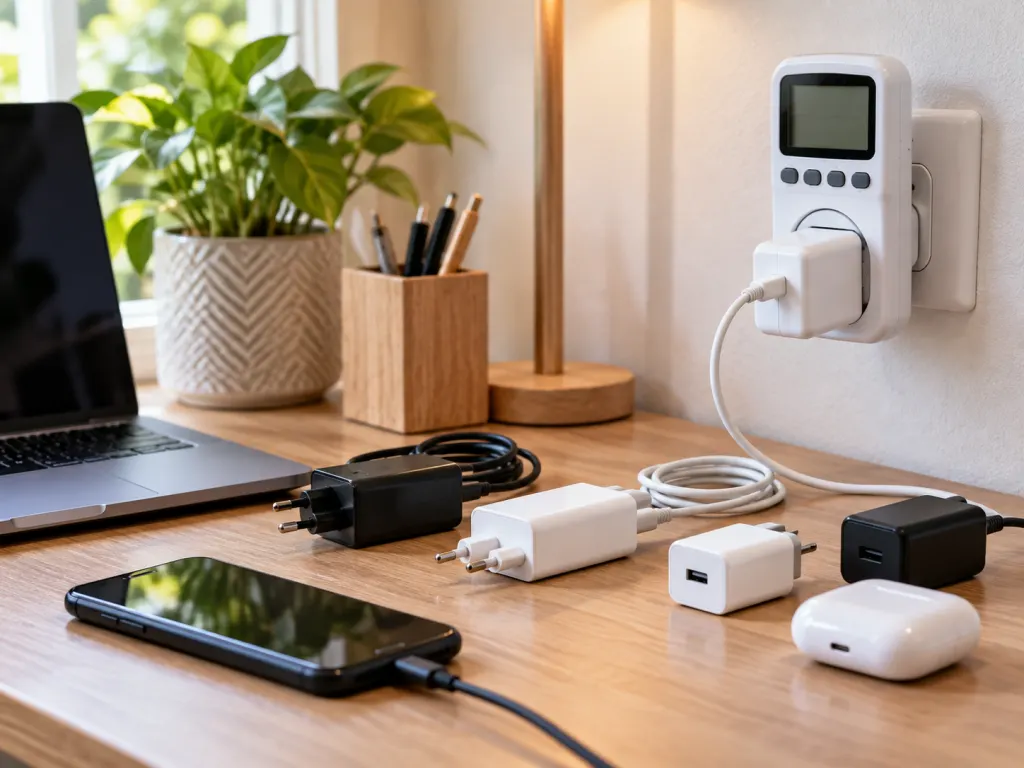
The useful takeaway is not to obsess over every adapter every hour. Instead, sort chargers into two groups. Daily chargers near a nightstand or desk can stay accessible, but unplug them once the device is charged or plug them into a switchable power strip. Spare chargers, guest chargers, old laptop bricks, toothbrush chargers, camera battery docks, and tool battery chargers should not sit powered for weeks just because nobody has moved them.
A simple charger reset can help:
- Walk through the rooms where devices are charged.
- Unplug chargers with nothing attached.
- Remove adapters that are warm while idle, cracked, buzzing, loose, or discolored.
- Keep one reliable daily charger in a convenient spot instead of scattering several low-use chargers around the house.
- Use a switchable power strip for a desk or media area so several idle adapters can be turned off at once.
Reason 2: It reduces needless heat, wear, and product-risk exposure
A charger is a power supply. Even when it is doing very little, it is still connected to mains electricity and contains components that convert power for a device. Good design keeps idle power low, but low is not the same as zero. Lawrence Berkeley National Laboratory explains that standby power can be required for functions such as converting AC to DC, charging a battery, or maintaining readiness, and that good design can make these needs very low but not eliminate them entirely (standby.lbl.gov). Leaving an adapter plugged in all the time simply keeps that small electronic system energized longer than necessary.
This matters most with older, damaged, off-brand, counterfeit, overloaded, or recalled charging equipment. It is not accurate to say every idle charger is likely to fail. It is accurate to say chargers are among the electrical products that have had real safety recalls. The Consumer Product Safety Commission has warned about some battery chargers that were incompatible with products they were advertised for, reporting fire or thermal incidents in one 2024 warning (cpsc.gov). In 2024, CPSC also announced a recall of Toshiba laptop AC adapters because they could overheat and spark (cpsc.gov).
What to check before trusting a charger
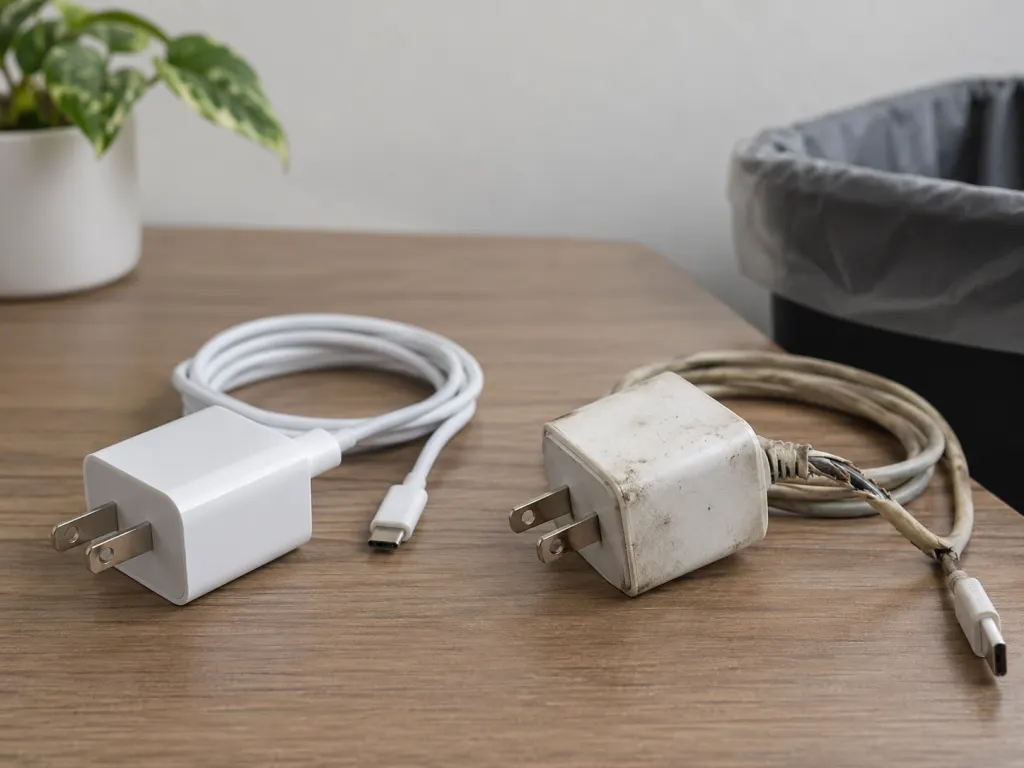
The most useful safety habit is inspection. Before plugging in a charger, look at the adapter body, prongs, cable, and outlet fit. A charger should sit firmly in the receptacle, should not wobble loosely, and should not require force. The U.S. Fire Administration advises replacing appliances with cracked, damaged, or loose cords, inserting plugs fully into sockets, avoiding overloaded outlets, and replacing wall outlets if plugs do not fit snugly (usfa.fema.gov). Those are basic household electrical rules, and they apply just as naturally to a phone charger as to any other small plug-in device.
Heat is another signal worth respecting. Many chargers become slightly warm during normal charging, especially fast chargers and laptop adapters. But an idle charger that is noticeably hot, smells unusual, makes noise, shows scorch marks, or changes shape should be unplugged and taken out of service. The point is not to diagnose the electronics yourself. The point is to stop using equipment that is no longer behaving like a normal household charger.
Reason 3: It keeps outlets clearer and habits safer
The third reason is less dramatic but very practical: unplugged chargers make a home easier to manage. A crowded outlet or power strip can hide loose plugs, damaged cords, and adapters that have been forgotten for months. The U.S. Fire Administration advises against overloading outlets and power strips, and it recommends keeping cords away from places where they can be pinched or damaged, such as under rugs or where furniture can press on them (usfa.fema.gov). Charger clutter often creates exactly the kind of casual setup where those problems become easy to miss.
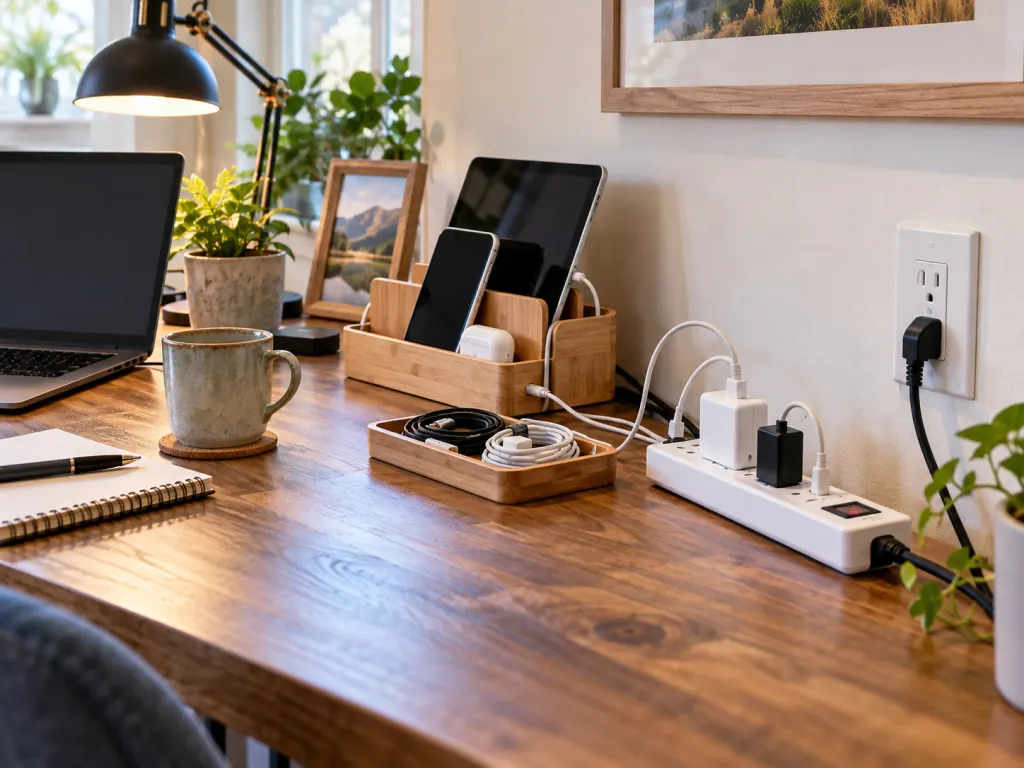
This is especially true in kitchens, bedrooms, entryways, and home offices. Chargers collect behind furniture, in tight corners, next to bedding, near paper piles, or on counters where other appliances compete for space. Unplugging the charger after use gives you a natural chance to notice whether the outlet is loose, whether the cord has been bent sharply, or whether the adapter is sharing a strip with too many other devices. The action is small, but it interrupts the habit of treating every open outlet as permanent storage.
When leaving a charger plugged in may be reasonable
Some charging setups are meant to remain in place. A mounted charging dock, a carefully arranged desk station, a smart speaker power supply, or a certified electric vehicle charger is not the same as a random travel adapter left in a wall outlet. The better question is whether the equipment is listed for that use, in good condition, properly matched to the device, and plugged into an outlet that is not loose, overloaded, or exposed to damage.
For daily phone charging, a balanced rule works well: use a reputable charger, keep it where air can circulate, unplug it when it is not needed for long periods, and retire it when it looks or behaves oddly. For less frequently used battery chargers, such as camera, tool, toy, or travel chargers, unplugging after the battery is charged is the better default. It saves a little energy and removes one more energized object from the room.
A simple charger policy for the whole house
If you want a low-effort system, make the rule visible and ordinary. Keep one daily charging zone in the house, remove duplicate adapters, and store spare chargers in a drawer instead of leaving them in outlets. Label laptop and specialty chargers so the right adapter stays with the right device. Check CPSC recalls if a charger model is old, secondhand, unusually cheap, or behaving strangely. Do not assume that a charger advertised as universal is automatically suitable for every battery or device.
The habit also becomes easier if you separate charging from storage. A phone can rest on a table after it charges; the charger does not have to remain in the outlet. A laptop adapter can be unplugged from the wall while still staying near the desk. A power strip can be switched off at night if it only serves chargers and accessories. These small choices turn unplugging from an extra chore into part of the same motion as putting the device away.
Wrap-Up
Leaving a charger plugged in without a device attached is usually a small issue, but it is still an avoidable one. Unplugging idle chargers reduces standby power, limits the time a small electrical device stays energized, and makes it easier to keep outlets uncrowded and inspected. The most important habit is not fear; it is attention. Use reputable chargers, match them to the device, retire damaged adapters, avoid overloaded outlets, and unplug chargers that are not serving a current purpose.
Frequently Asked Questions
- → Does an empty phone charger really use electricity?
It can. The amount is often very small for a modern charger, but external power supplies can draw standby power while plugged in. The savings from one charger may be minor, yet unplugging several idle adapters is still a sensible low-effort habit.
- → Is it dangerous to leave a good charger plugged in overnight?
A reputable charger in good condition is not automatically dangerous just because it is plugged in overnight. The concern rises with damaged cords, loose outlets, off-brand or incompatible chargers, overloaded power strips, or adapters that become unusually hot. Unplugging after use reduces avoidable exposure.
- → Should laptop chargers be unplugged too?
Yes, especially when the laptop is not being charged for a long period. Laptop adapters are larger power supplies, and recalls have involved some models. Keep the charger matched to the laptop, give it ventilation, and stop using it if the cord, brick, or plug is damaged.
- → What signs mean I should replace a charger?
Replace or stop using a charger if it has cracked plastic, bent prongs, exposed wire, a loose cable connection, scorch marks, unusual odor, buzzing, swelling, or noticeable heat when it is idle. Also stop using a charger if it has been recalled or no longer fits firmly in the outlet.
- → Is a power strip a good solution for chargers?
A switchable power strip can be useful for a desk or charging station because one switch can turn several idle chargers off. Use one with overload protection, avoid crowding it with high-power appliances, and keep cords where they will not be pinched, bent sharply, or covered by rugs.
References
This content was developed and refined using reliable sources.
- https://www.energy.gov/management/osp/earth-day-every-day-sustainable-practices-work-and-home
- https://standby.lbl.gov/frequently-asked-questions
- https://standby.lbl.gov
- https://www.usfa.fema.gov/prevention/home-fires/prevent-fires/appliance-and-electrical
- https://www.cpsc.gov/Warnings/2024/CPSC-Warns-Consumers-to-Immediately-Stop-Using-SafPow-and-AMPOWSURE-Battery-Chargers-Sold-on-Amazon-com-Due-to-Fire-and-Burn-Hazards-Risk-of-Serious-Injury-and-Death
- https://www.cpsc.gov/Recalls/2024/Dynabook-Americas-Recalls-15-5-Million-Toshiba-Laptop-AC-Adapters-Due-to-Burn-and-Fire-Hazards